Connecting Arr Instances
Praxrr bridges Arr instances so compiled PCD configuration can sync to each
app’s API. Every instance is tied to a single arr_type; Radarr, Sonarr, and
Lidarr semantics are validated separately.
Before you connect
Section titled “Before you connect”- Set
ARR_CREDENTIAL_MASTER_KEYandARR_CREDENTIAL_MASTER_KEY_VERSION. - Confirm Praxrr can reach the Arr API URL over your network (container DNS, VPN, or host networking as appropriate).
- Copy an API key from the target Arr app (Settings → General).
Add an instance in the UI
Section titled “Add an instance in the UI”- Navigate to Arr → Add instance.
- Choose the app type. Capabilities differ per app (for example metadata profiles on Lidarr, delay profiles on Radarr/Sonarr).
- Fill in connection details:
| Field | Purpose |
|---|---|
| Name | Display label inside Praxrr |
| URL | Canonical API base URL Praxrr calls |
| API key | Arr authentication token (stored encrypted) |
| External URL | Optional browser link target |
| Tags | Optional labels for filtering |
- Click Test connection to verify reachability and credentials.
- Save the instance.
The test action calls the Arr system status endpoint using the URL and key you provided. Fix networking or keys before proceeding to sync setup.
Dual URL mode
Section titled “Dual URL mode”Praxrr distinguishes two URLs:
- URL (canonical): Used for all internal API traffic. In Docker, this is
typically the compose service name (
http://sonarr:8989). - External URL: Used for “Open in Arr” links in the UI when users browse from a public hostname or reverse-proxy path.
Clear External URL to fall back to the canonical URL for both purposes.
Environment-managed instances
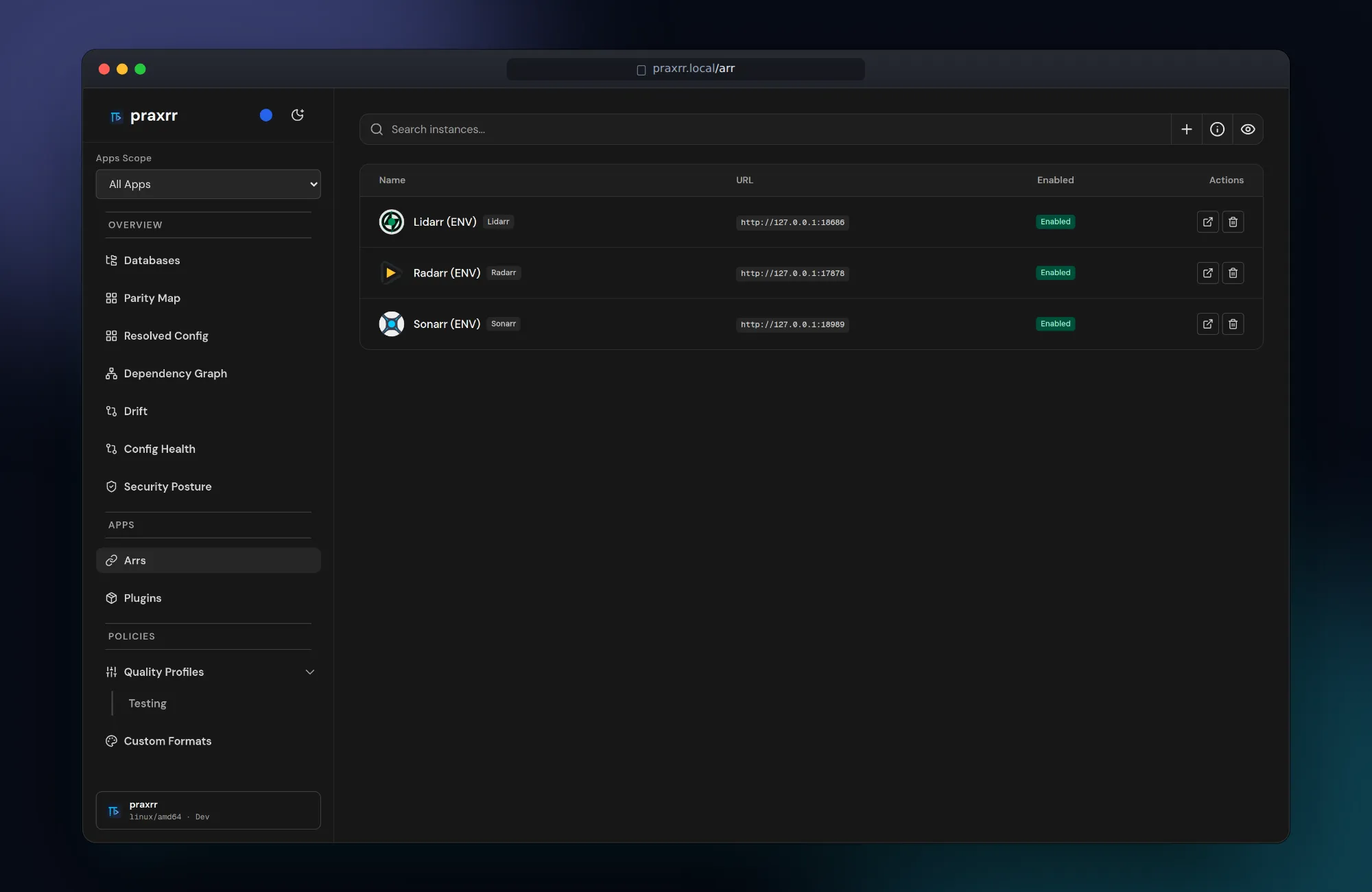
Section titled “Environment-managed instances”For repeatable deployments, define instances with indexed variables:
ARR_CREDENTIAL_MASTER_KEY=REDACTEDARR_CREDENTIAL_MASTER_KEY_VERSION=v1
SONARR_INSTANCE_URL_1=http://sonarr:8989SONARR_INSTANCE_API_KEY_1=REDACTEDSONARR_INSTANCE_NAME_1=TVSONARR_INSTANCE_EXTERNAL_URL_1=https://sonarr.example.comSONARR_INSTANCE_TAGS_1=tv,4kSONARR_INSTANCE_ENABLED_1=true
Radarr and Lidarr use the same pattern with RADARR_* and LIDARR_* prefixes.
Increment the index (_2, _3, …) for additional instances.
Set PRAXRR_VALIDATE_INSTANCES=true to verify each env-managed instance during
startup.
API key security
Section titled “API key security”- Keys are encrypted with
ARR_CREDENTIAL_MASTER_KEYbefore persistence. - The UI shows masked values; re-enter the key to rotate it.
- Never commit API keys or master keys to Git or PCD repositories.
Supported workflows per app
Section titled “Supported workflows per app”Not every Arr surface is available on every app. The instance form and sync page
expose only capabilities valid for the selected arr_type. If a section is
missing, the app does not support that sync surface in the current Praxrr
release.
After connecting
Section titled “After connecting”- Open the instance → Sync to choose profiles and triggers.
- Run Preview before the first full sync.
- See Syncing Profiles for trigger modes and conflict handling.
Next steps
Section titled “Next steps”- Quick Start — end-to-end first sync
- Configuration — credential and env reference
- Troubleshooting — connection failures